Mechanical assemblies
Batch production files
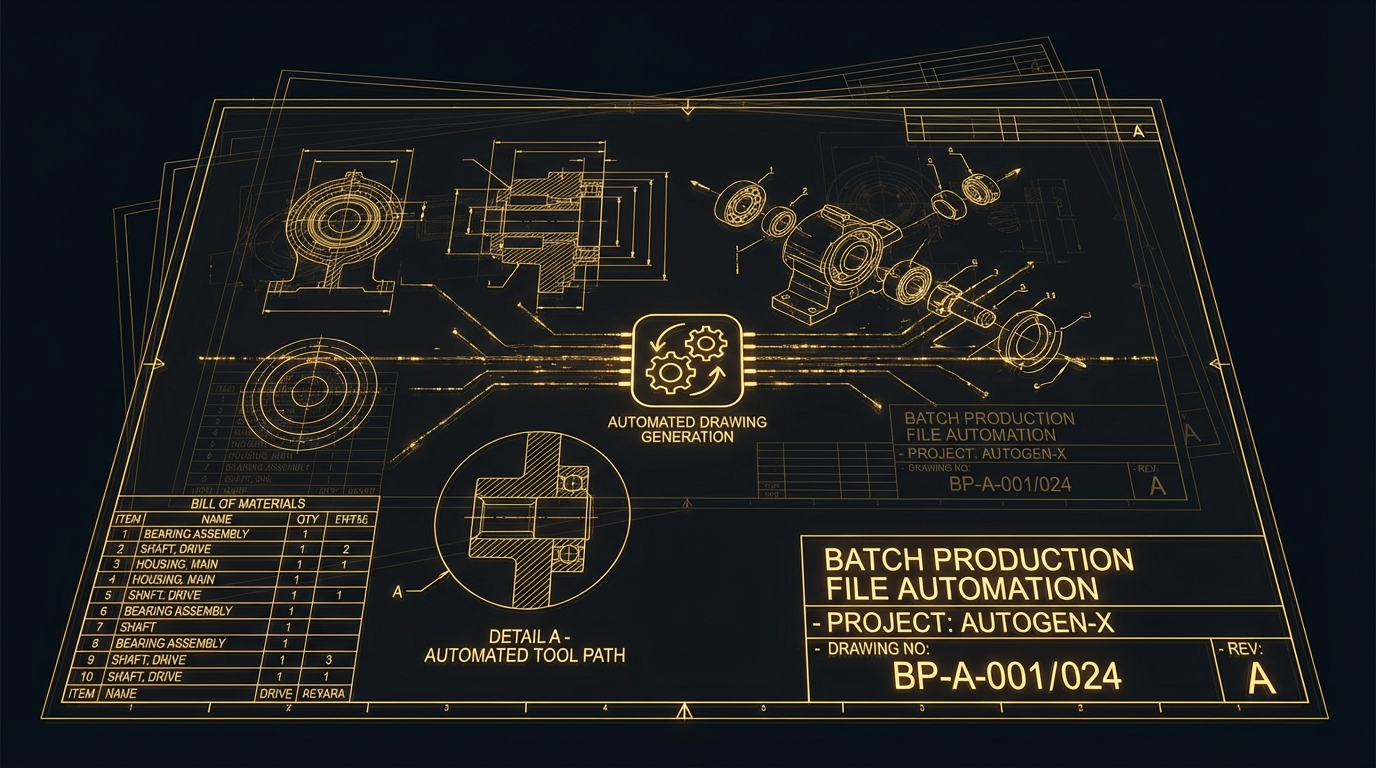
One run generates the whole drawing set for an assembly — details, sections, parts list and the files that drive the machines.
 Inspect image
The design task
A component set can run to dozens of sheets, and every one is set up by hand — views placed, sections cut, dimensions added, parts list filled in.
When a part changes, the whole set has to be walked through again to find what the change touched.
What the automation handles
- Sheet setup and view placement generated from the model rather than built per drawing
- Section and detail views produced from the geometry
- Parts lists read from the assembly instead of maintained separately
- The full set regenerated in one pass when a component changes
Generated output still needs the checks and approvals required by your engineering and manufacturing process.